Alchemer Crosstab
The Concept
Complex data analysis doesn’t need to be a burden to build.
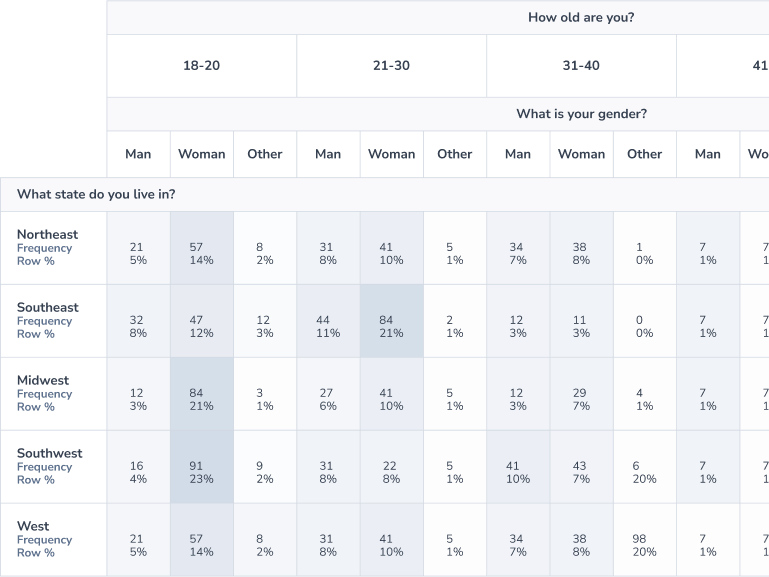
Alchemer’s Crosstab builder was such a poor user experience that our customers got buyers remorse. To build loyalty, we did extensive user research, and usability testing to make an intuitive, drag-and-drop experience to rival industry leaders.
The Problem
Our crosstab tool was powerful, but abysmally tedious to use.
Alchemer is a developer-founded company, and that legacy sometimes led to functional, but clunky tools. Take our crosstab tool — an important add-on feature for market researchers. It was so bad, one salesman told me, “We might as well not have one at all.”
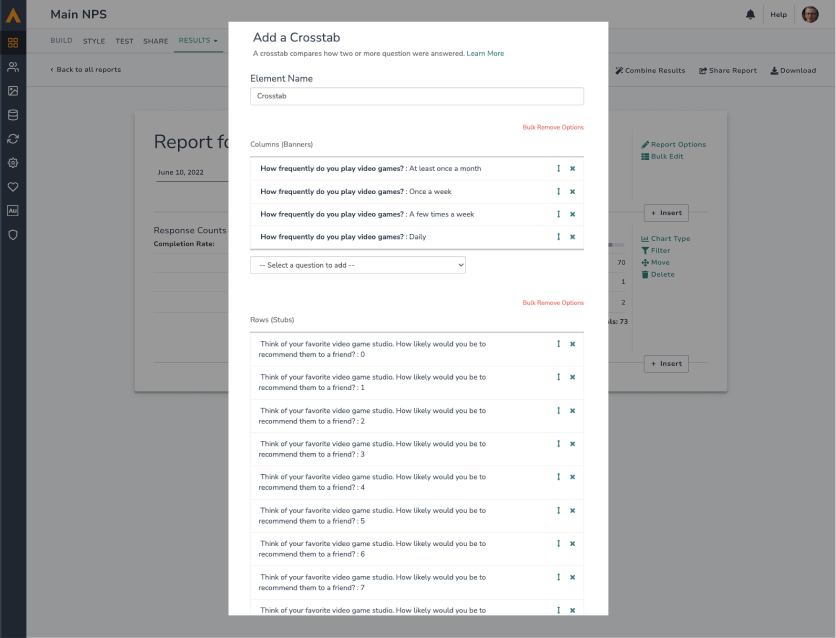
I led the charge to redesign the builder experience, moving away from a dropdown-based, one-at-a-time process that took ages.
Adding a question relied on a system-native dropdown with no search and upwards of hundreds of questions, which would cover the whole screen and require the user to manually scroll to later pages. Questions were added one at a time. The more robust the survey, the worse this experience became.
Could a drag-and-drop builder make pro-grade analysis feel effortless — for novices and experts alike?
The Process
To refine the interface, I did extensive prototyping for a usability test.
Designing pro-grade tools for experts is a challenge I relish — these tools require higher information density and easily accessible controls while still maintaining a clear, scannable hierarchy. The subtlest visual indicators, tooltips, and zero states help guide the user without the need for intrusive onboarding flows. Designing accessible fallbacks to drag-and-drop allowed us to prioritize accessibility, even for those with motor impairment.
The Outcome
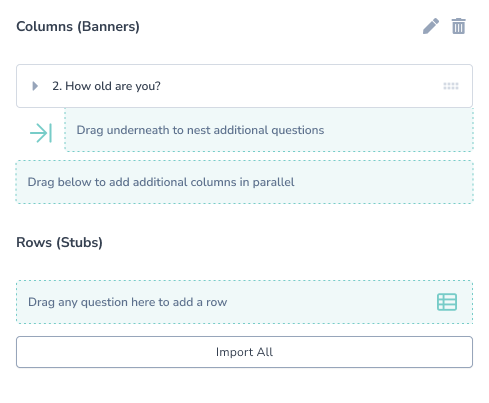
Adding a Column Nesting feature in an intuitive interface meant customers could do more, and 100x faster than before.
A high-fidelity prototype enabled me to discover many interface tweaks to make it intuitive, especially for less tech-savvy users.
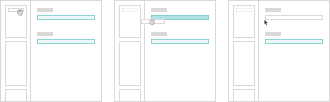
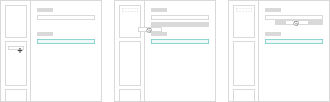
Getting users to understand they could drag beneath existing columns to nest data proved challenging, but not impossible. A consistent active/accent color, edit state, and zero state helped users see what was possible.
No tutorial needed – just drag and drop!
“This is going to be way more efficient for us, for sure.”
“To do something we just did here would probably take an hour and a half outside of your site.”
“[Participating in user testing] is super helpful and exciting and provides an opportunity for me to go back to my senior leadership and say ‘This is the tool we want to keep working with because ultimately, they’re growing in their product and its going to be helpful and provide more value.’”

Thanks for reading. That’s how I built a professional tool for exploring feedback data…